Start here
Getting started
Install Anvil, sign in to your providers, and run your first session in the terminal and the browser.
Anvil runs where you work — a single self-contained binary in your terminal, with a live view you can drive from your browser. This walkthrough takes you from nothing installed to your first working session in a few minutes.
[!NOTE] New here? The very first time you run Anvil it walks you through a short setup wizard — see Setup & first run for a screen-by-screen tour. This page is the quick version.
1. Install
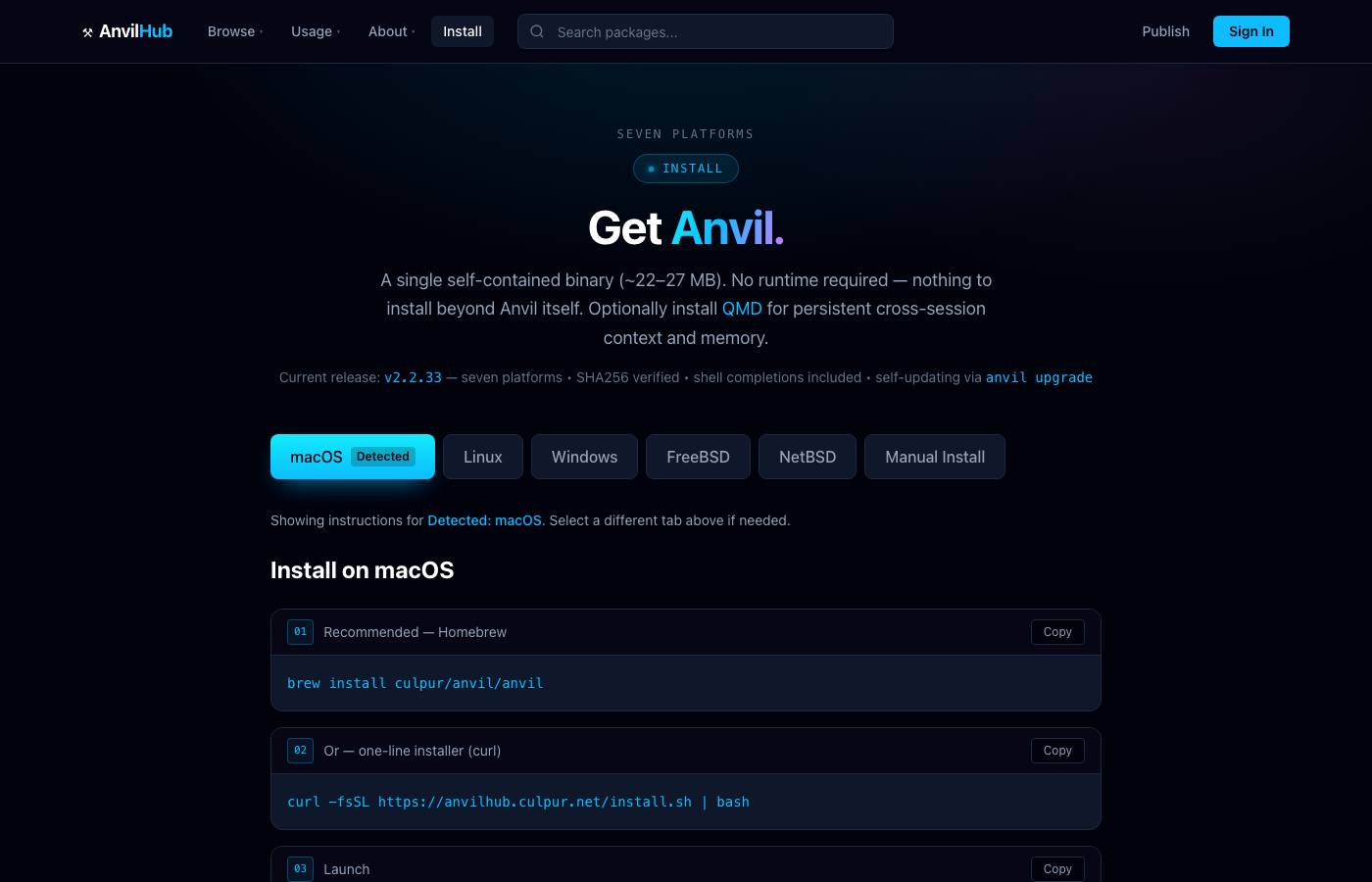
Anvil is one binary, no runtime required. Pick your platform:
- macOS —
brew install culpur/anvil/anvil - Linux / FreeBSD —
curl -fsSL https://anvilhub.culpur.net/install.sh | bash - Windows —
irm https://anvilhub.culpur.net/install.ps1 | iex
Every download is SHA256-verified against a manifest published on two origins, so the installer refuses a binary that doesn't match. See Install for per-platform detail, shell completions, and the optional QMD knowledge engine.
[!TIP] After installing, run
anvil --checkto confirm the binary, your PATH, and shell completions are wired correctly before you start.
2. Sign in to a provider
Anvil speaks to 35 providers — Anthropic, OpenAI, Google, xAI, local Ollama, and more — using your credentials. Nothing is proxied through a Culpur server; your keys stay on your machine.
anvil login
Pick a provider and paste an API key, or use an OAuth flow where the provider supports it. You can add several and switch between them live:
anvil model            # list and pick the active model
/model gpt-5.6         # switch provider+model mid-session, on the fly
[!NOTE] The model you pick is the active one for the session.
/modelswaps the provider, routing, and identity atomically — so you're never half-switched between two providers.
3. Run your first session
Start Anvil in a project directory:
anvil
You get a full-screen terminal workspace: a transcript, a prompt, and a rail showing sessions, your agent crew, memory, and the live mind map. Ask it to do real work — read files, run commands, write code, search the web — and watch it stream.
To hand off to the browser without losing your place, pair a live view with one command — the same session renders in a vivid web viewer you can watch and steer.
4. Open your command centre — optional
Anvil is complete on its own. But when one machine stops being enough, connect it to AnvilHub — your web command centre — and you can manage deployments across every machine, see what each session cost, review what your crew produced, run teams, and steer it all from anywhere.
Connecting is called pairing, and it's a separate step from signing in to a provider:
anvil pair # connect THIS machine to your AnvilHub account
[!WARNING]
anvil loginconnects a provider (step 2).anvil pairconnects this machine to your AnvilHub account. Different things — see Local vs AnvilHub.
Where to next
- Setup & first run — the full first-run wizard, screen by screen.
- Local vs AnvilHub — what connecting adds, and how to pair.
- The workspace — chat, coding, and the live session in depth.
- Your crew & fleet — agents, squads, bots, and the fleet.